Description of the bug
When you highlight and copy a link from a rendered preview, the external version of the note link is copied.
e.g. supernotes://app/v/card/%5E35f4102b-5ad5-4bb2-971e-e11c50abd9ec instead of ^35f4102b-5ad5-4bb2-971e-e11c50abd9ec.
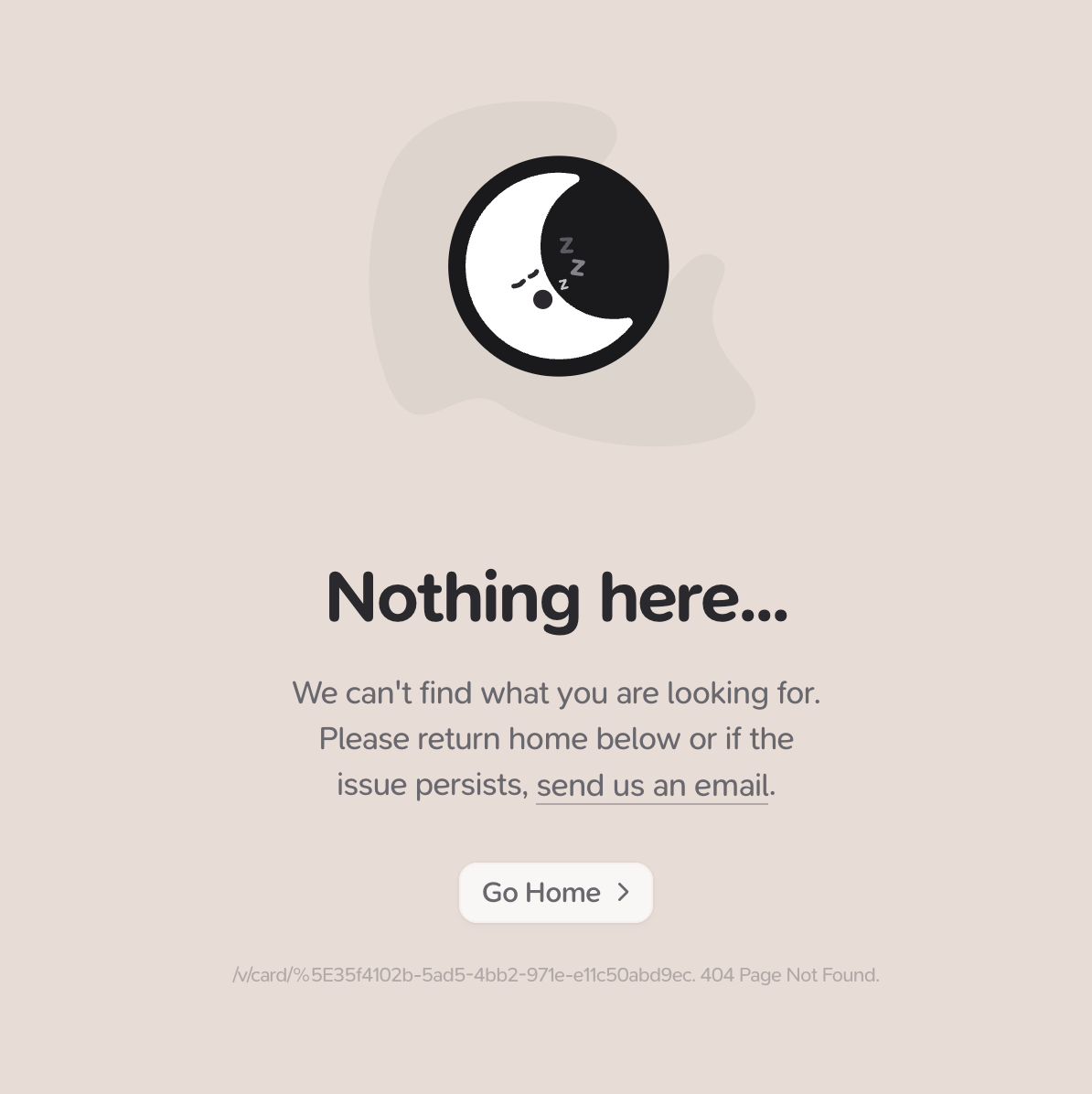
When you click on an external link in app, it takes you to a “Nothing here” screen:
Device, App & Version
e.g. macOS v3.2.1
Steps to reproduce
- Create a link to a note
- Exit edit mode
- Highlight the link
- CMD + C
- Edit another note
- CMD + V
- Look at the link content
- Finish editing
- Click the link to experience the “Nothing here” behaviour
