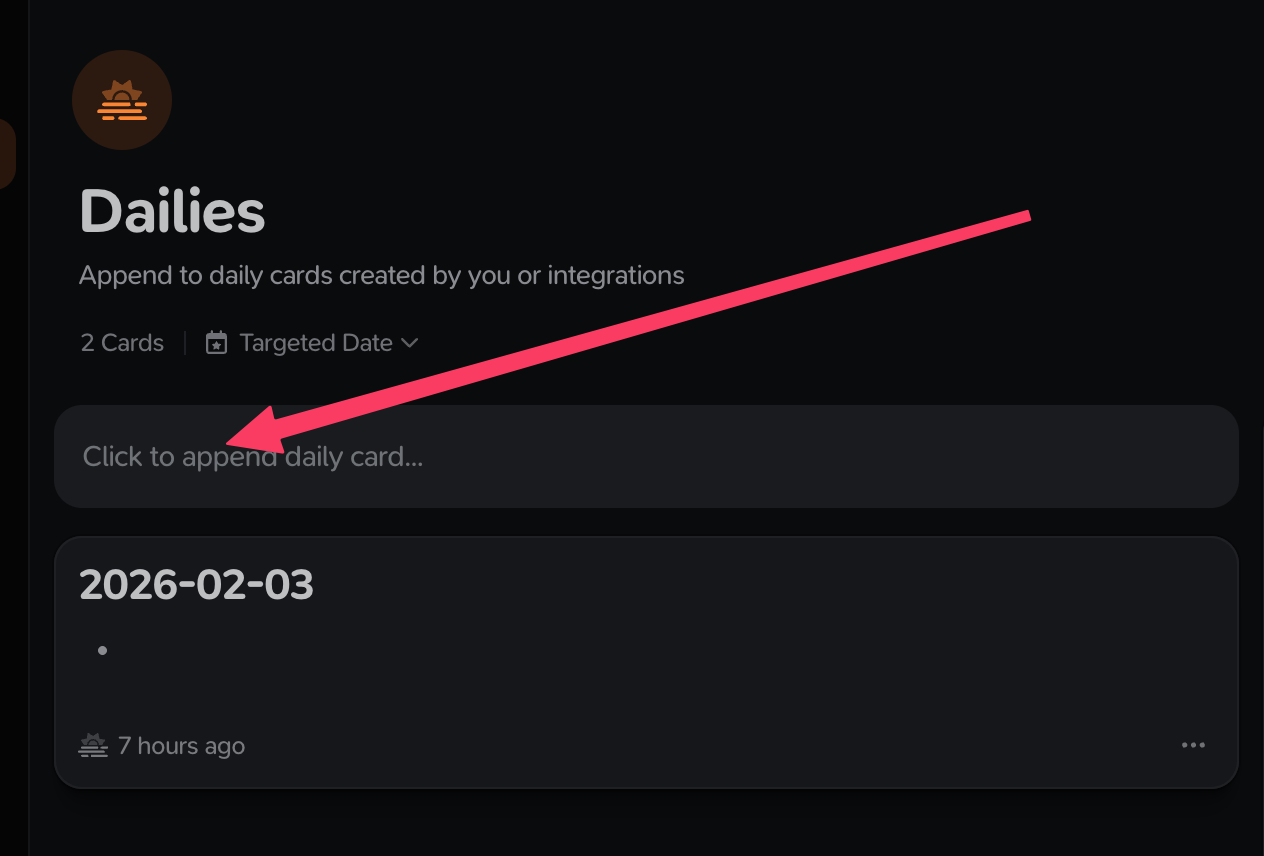
Yesterday, I created a card for today inside the Dailies collection.
I gave the title 2026-02-03
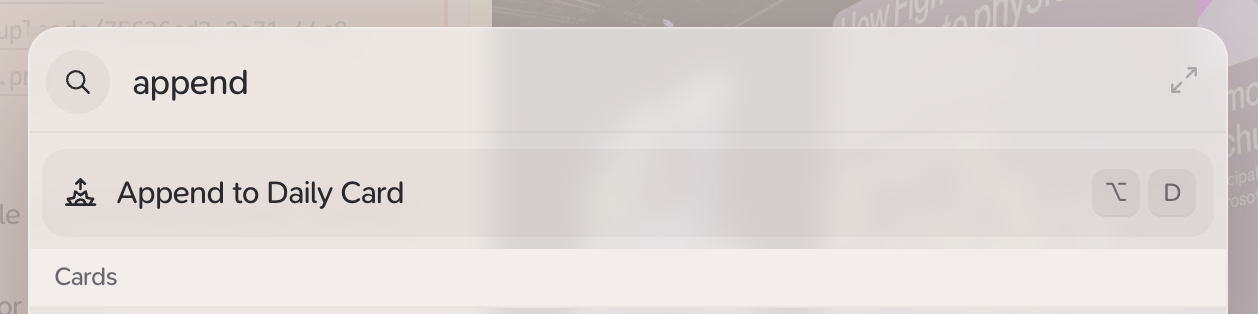
But today, when I appended to my daily card using the Raycast integration, it has created another card with the same title: 2026-02-03
Clicking on the little icon for the daily card that I created yesterday, it says “Daily card appended to 2nd February 2026.”
Is there any way to change that? I would like to be able to create a daily card for tomorrow and append some tasks to do, or if I forget to create one from a past date, I want to be able to add one to the Daily Collection with the correct date.
I have changed that target date, but this does not work with the daily card collection.
And @ivomota you can’t change the dates of daily cards intentionally, we wrestled with this internally a bunch but it made the feature over-complicated.
It’s meant to be a record of what you wanted to did that day, once you start changing the dates, you might as well just use a normal card with a targeted date and a #daily tag and modify your Daily Collection to include cards tagged with #daily.