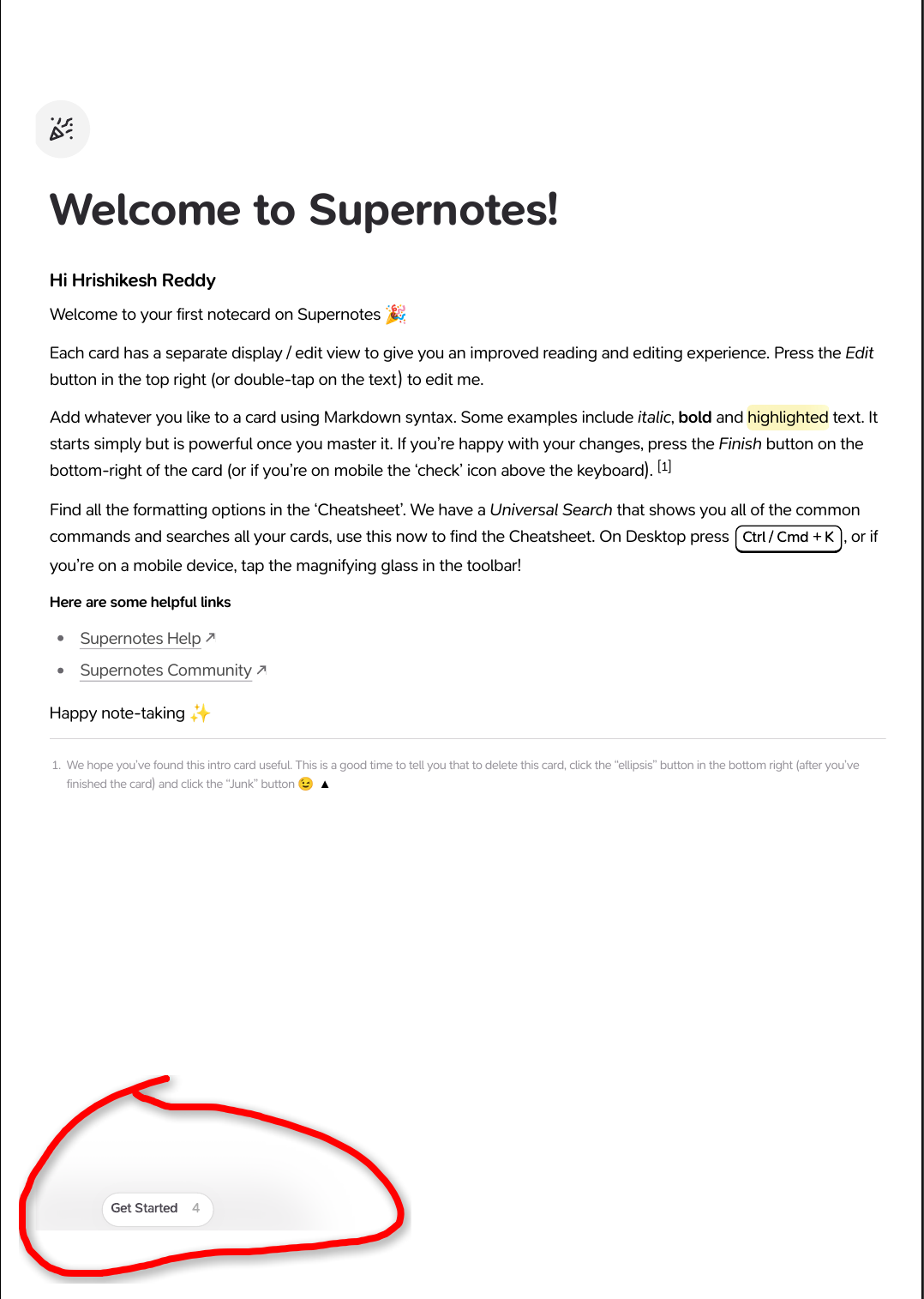
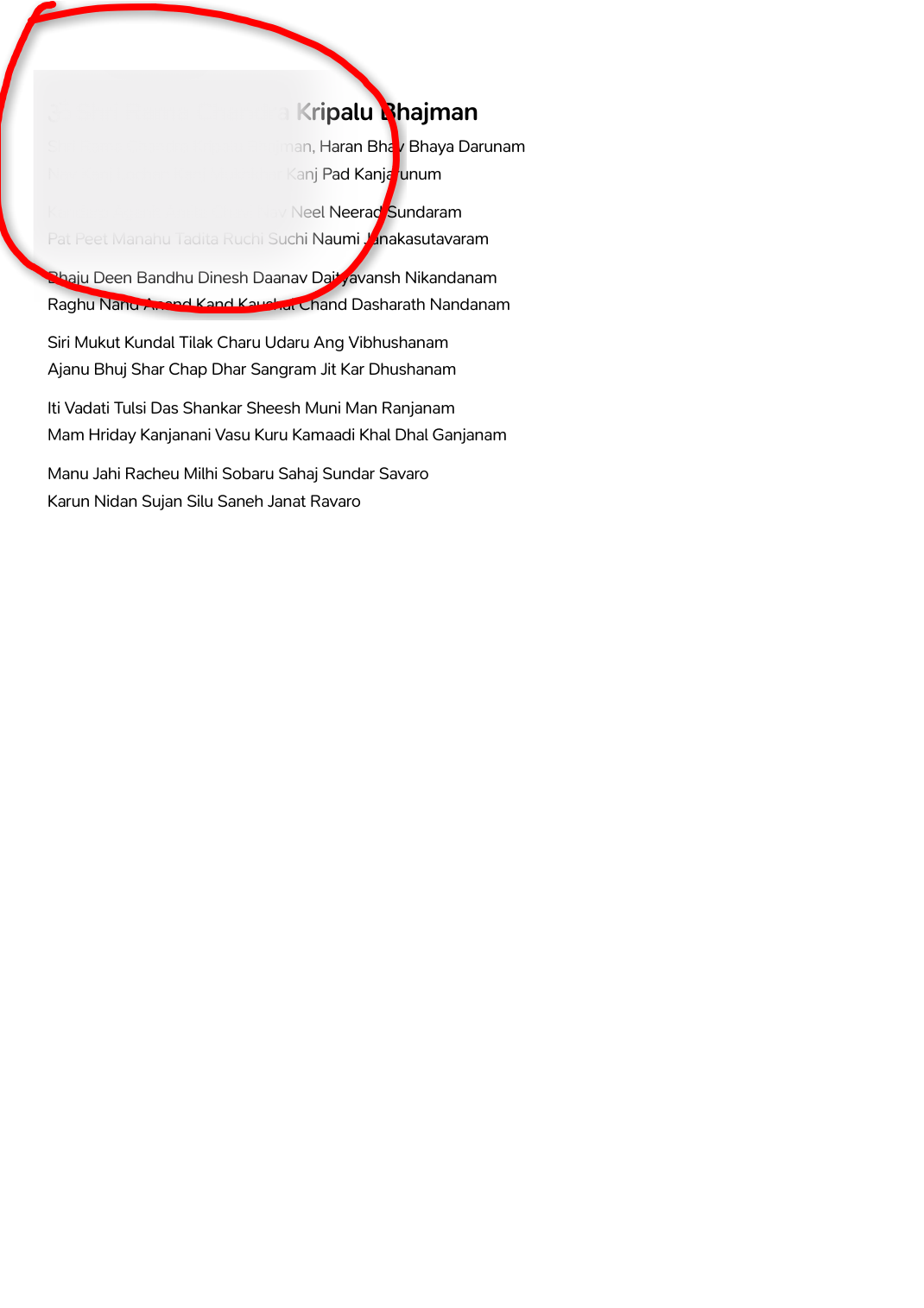
Description of the bug
When I export a card to PDF without the watermark, I see extra content which is not part of the card that I exported.
Device, App & Version
Linux v3.2.4
Steps to reproduce
- In the app’s top menu where layout can be changed, select the option Import, Export or Print > Print / Save as PDF
- In the Print as PDF set Current View and configure the settings as below:
2.1. Add QR Code - Disabled
2.2. Reveal Spoilers - Disabled
2.3. Include Watermark - Disabled - Select Save as PDF and view the exported PDF
Screenshots / Screen Recording