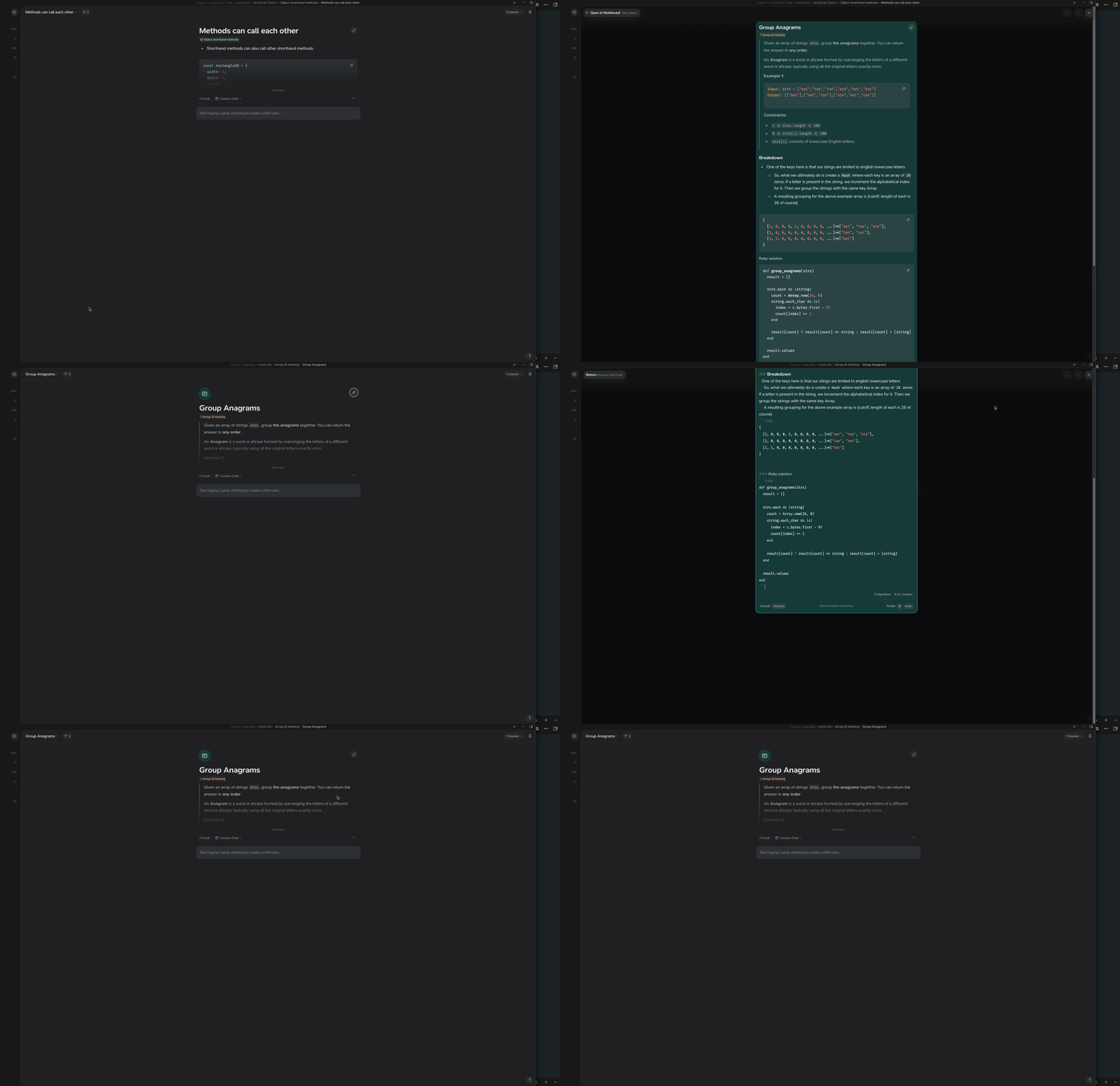
Description of the bug
Say you use the search function and find a card, then use Shift+enter to open it. You land on the card and you have the keyboard focus on the edit button in the top right.
You edit the card or accidentally escape, where does the keyboard focus go? Up/Down/left/right arrows, with or without holding down CMD, there doesn’t seem to be a way to focus the main card without reaching for the mouse.
You’re right there’s definitely some improvements to be made here (I’ve switched this to a FR rather than a bug report as the intended behaviour is as currently implemented). Unfortunately it’s one of those simple & complex problems – there’s lots of edge cases we have to consider. For the meantime, relying on the newly improved Universal Search with it’s recent cards mechanic is the best way to go about this CMD / CTRL + SHIFT + R.