YouTube previews don't render

Description of the bug
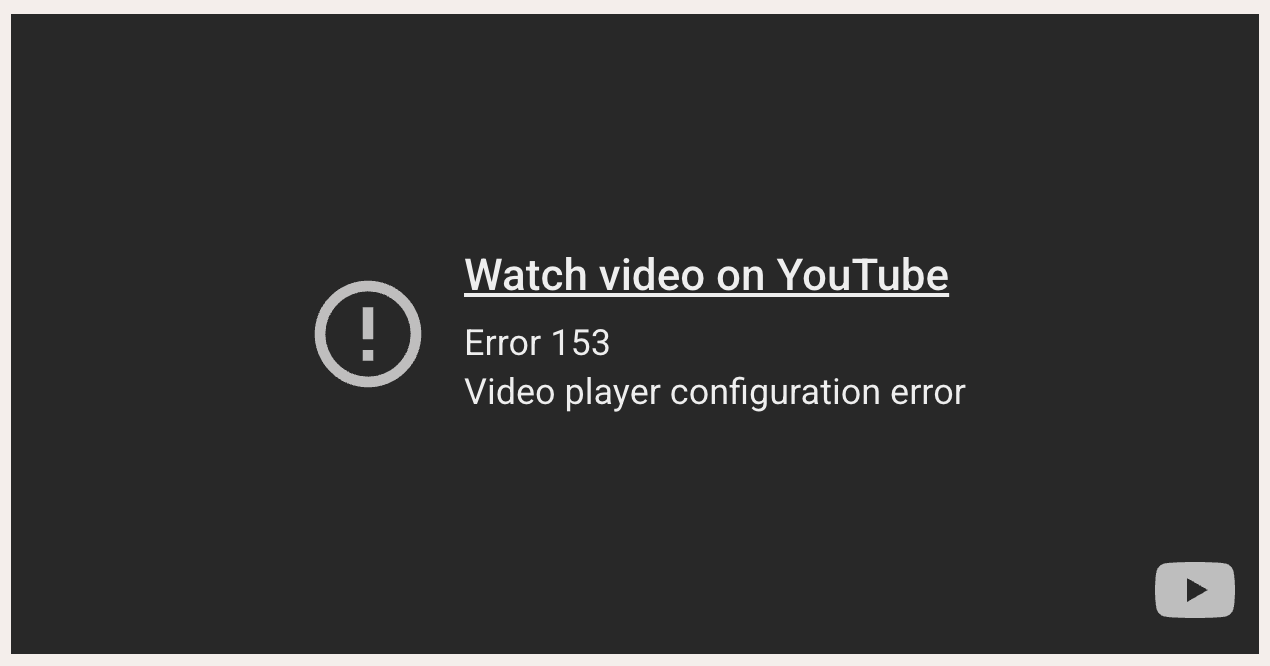
YouTube previews don’t render anymore:

Device, App & Version
macOS 3.2.1

Steps to reproduce

  1. Add a YouTube link to a note. e.g. @[YouTube](https://www.youtube.com/watch?v=HBluLfX2F_k)
  2. Exit edit mode

Screenshots / Screen Recording

1 Like

Hi @JamesT,

Thanks for the report! Google recently updated how embeds work, requiring the need for referrerpolicy='strict-origin-when-cross-origin' – we’ll push a fix for this.

2 Likes

Is this fix coming in the next release? :folded_hands:

1 Like

I had wondered what had happened to a few of my links!

1 Like

Yep, this will be addressed in the next release!

2 Likes

Has this been sorted out server side or something? Looked like it worked now this morning on iOS. (Worked before on Android) :melting_face:
Update: maybe too quick. Didn’t look like it. :sweat_smile:

Yeah it’s a bit finnicky as Google changed how iframes work, we’ve been testing a solution the past few weeks :slight_smile:

1 Like

This has been fixed in Supernotes 3.2.2 :tada:

Looks like it’s still persistent for me on iOS. :face_with_monocle:

Yes our apologies, some reason the iOS update wasn’t included. We have fixed all the desktop apps though! Marking this as will-fix and we’ve got another minor release planned over the next few days, and will make sure iOS is fixed as well.
2 Likes